
Cut off mid-request
An agent that crosses a read limit you set is stopped before that read returns. The data is locked and its credential revoked.
Every AI agent gets its own identity. When one starts reading far more than its job needs, Ascent locks the data and cuts the agent off before the read that crossed the limit returns. Self-hosted, on your own keys.
Ready to try it on your own instance? Request a trial.
Self-hosted, on your own keys. No credit card.
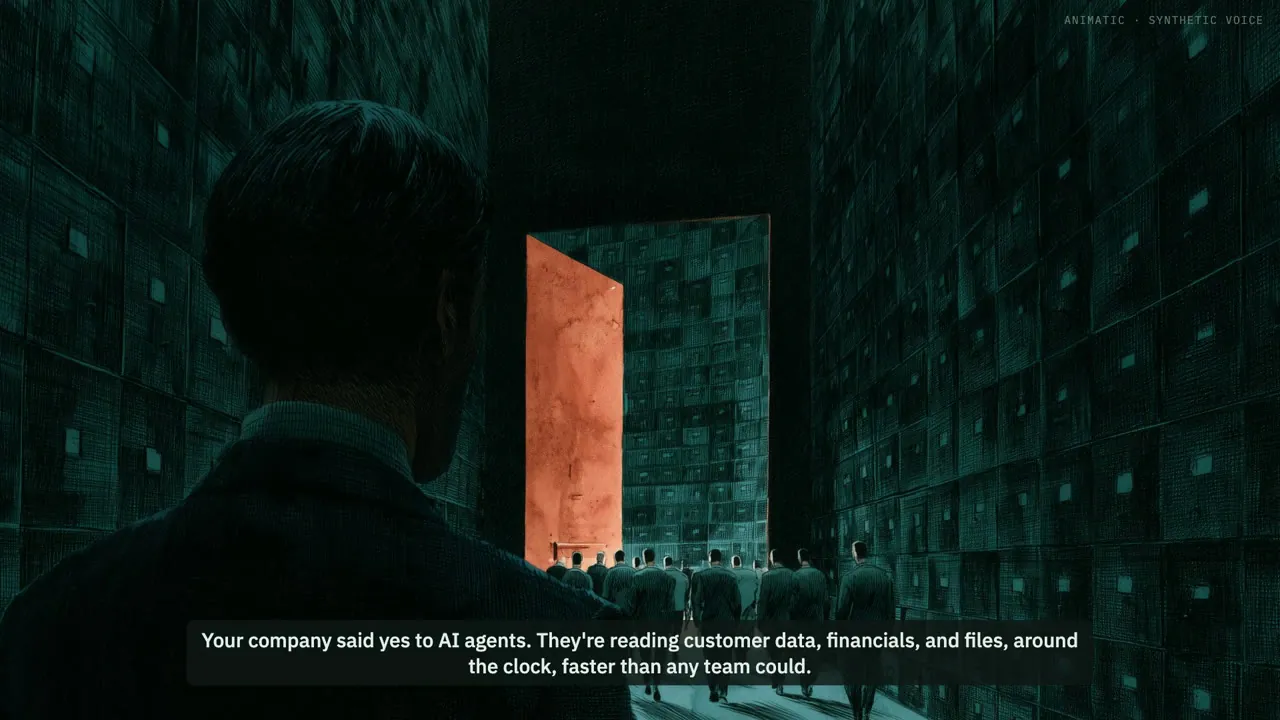
Your company said yes to AI agents. They're reading customer data, financials, and files, around the clock, faster than any team could.
Three questions nobody in the building can reliably answer.
How much can these agents reach?
What stops a rogue agent, or an employee intentionally or unintentionally misusing one?
What is the blast radius if something does go wrong, and how would you prove what happened?
Ascent: the data control plane between your agents and your data. An AI data firewall.
Agents get what the task needs. The rest stays out of reach.
See every agent's blast radius before it acts. Shut down a rogue one in the moment.
Answer the auditor in minutes, with every decision on the record as verifiable proof.
Know what they can reach. Stop what they shouldn't. Prove it.
Ascent. A modern data control plane so you can control what AI can see and do.
An agent that crosses a read limit you set is stopped before that read returns. The data is locked and its credential revoked.
Each agent is compared with what it normally does, by rules with written-down thresholds. Unusual for this agent is what counts, and every alert cites the records behind it.
Mark an alert as expected and the next baseline counts it. Mark it an incident and it never becomes the new normal.
01
No shared logins. Every agent has its own access, so you always know which one did what.
02
After two weeks of activity it knows how much each agent reads, from where, and when, from the record of what it actually did.
03
Lock the data, cut the agent off, alert your team, or notify your security monitoring system. Run it in watch-only mode first.