How do I stop an AI agent from pulling my entire customer table?
A database has no concept of how much is too much. If an agent holds a credential that permits reading the customers table, a query returning one row and a query returning four million rows are equally valid, and the database answers both. Stopping bulk extraction requires something outside the database that counts what is leaving and refuses when the volume stops looking like the work the agent was asked to do.
There are four approaches, and only two of them survive an agent that is behaving reasonably from its own point of view.
Why a read-only role does not solve this
The most common first answer is to give the agent a read-only role scoped to specific tables. This is worth doing and it is not sufficient. Read-only prevents damage, not disclosure. An agent that can read the customers table can read all of it, and bulk extraction is a read.
This is the gap that catches teams by surprise, because the permission model was configured correctly and still allowed the outcome.
Why row limits in the application do not hold
The second answer is to cap result sets in the application layer or in the tool definition the agent calls. This works until the agent works around it, which it will do without any adversarial intent. An agent told to summarize customer complaints and handed a thousand-row cap will page. It will issue twenty queries of a thousand rows each, because that is a sensible way to accomplish what it was asked. No single request violated the limit.
Capping per request measures the wrong thing. What matters is cumulative volume across a session.
Rate and volume limits outside the data path
The third approach is a layer that tracks how much an agent has retrieved over a window and refuses further requests past a threshold. This catches the paging case, because the counter spans requests rather than resetting with each one.
The design questions that determine whether it works in practice:
- What is counted. Rows returned is the useful unit. Queries issued is not, since one query can return everything.
- What the window is. Per session, per hour, per day. Sessions are usually right for agents, because an agent's work is bounded by a task.
- What happens at the threshold. Refusing is safe and noisy. Throttling is quieter and lets a legitimate long-running job finish late rather than fail.
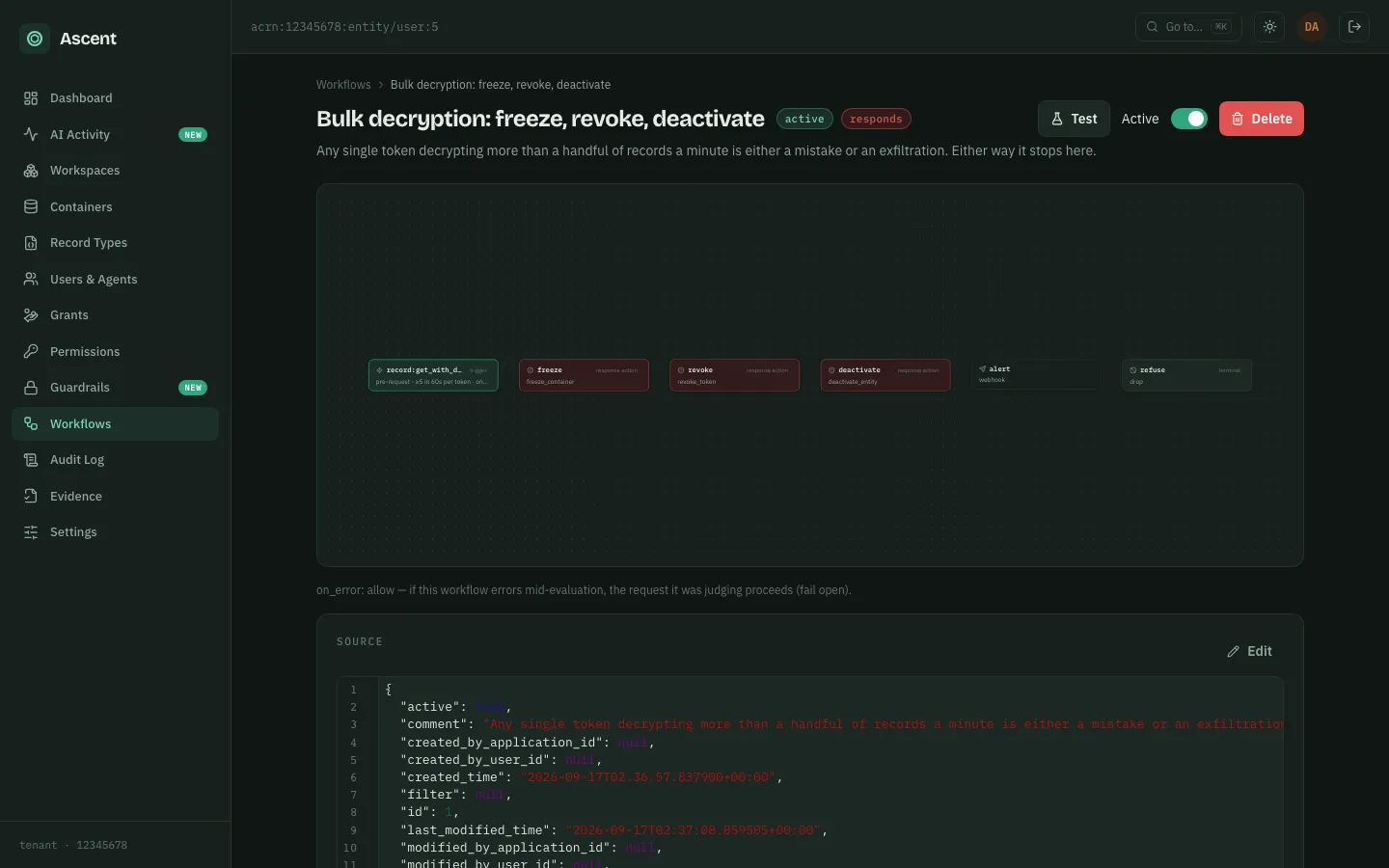
Ascent counts requests rather than rows, and does it outside the permission document. A workflow carries a threshold scoped to an action, and fires when that action passes a count within a window, grouped by credential, application, user, source address or data repository (a protected set of records with its own keys):
{
  "scope": {
    "on_action": "record:get_with_decrypt",
    "type": "post",
    "threshold": {
      "group_by": "application_id",
      "count": 200,
      "per_seconds": 300
    }
  },
  "start_at": "revoke_the_grants",
  "steps": {
    "revoke_the_grants": {
      "type": "revoke_grant",
      "parameters": { "application_id": "{{requestor.application_id}}" }
    }
  }
}
Because the threshold sits outside the permission document it is not subject to deny-wins resolution, and because it counts actions it does not distinguish a request that returned one row from one that returned thousands. A row bound does exist, separately and per query: AQL_SCAN_LIMIT caps how many records a single query may scan, 5,000 by default.
ASCENT=https://ascent.example.com

TOKEN=$(curl -sS -X POST "$ASCENT/api/login" \
  -H 'Content-Type: application/json' \
  -d '{"email": "you@example.com", "password": "..."}' \
| jq -r .access_token)curl -sS -X POST "$ASCENT/api/workflow" \
-H "Authorization: Bearer $TOKEN" \
-H 'Content-Type: application/json' \
-d '{
"name": "Bulk decryption: revoke the grants",
"version": 1,
"active": true,
"scope": {
"on_action": "record:get_with_decrypt",
"type": "post",
"threshold": {
"group_by": "application_id",
"count": 200,
"per_seconds": 300
}
},
"start_at": "revoke_the_grants",
"steps": {
"revoke_the_grants": {
"type": "revoke_grant",
"parameters": {
"application_id": "{{requestor.application_id}}"
}
}
}
}'WORKFLOW_ID=1
curl -sS "$ASCENT/api/workflow/$WORKFLOW_ID/results" \
-H "Authorization: Bearer $TOKEN"Restricting the shape of the query itself
The fourth approach is to constrain what the agent may ask for rather than how much comes back. An agent that can only query aggregates cannot extract rows at all. An agent that must supply a filter on a specific column cannot issue an unbounded scan.
This is stronger than volume limiting where it fits, because it removes the capability rather than capping it. It fits badly where the agent's task is genuinely exploratory, which is most coding assistant work.
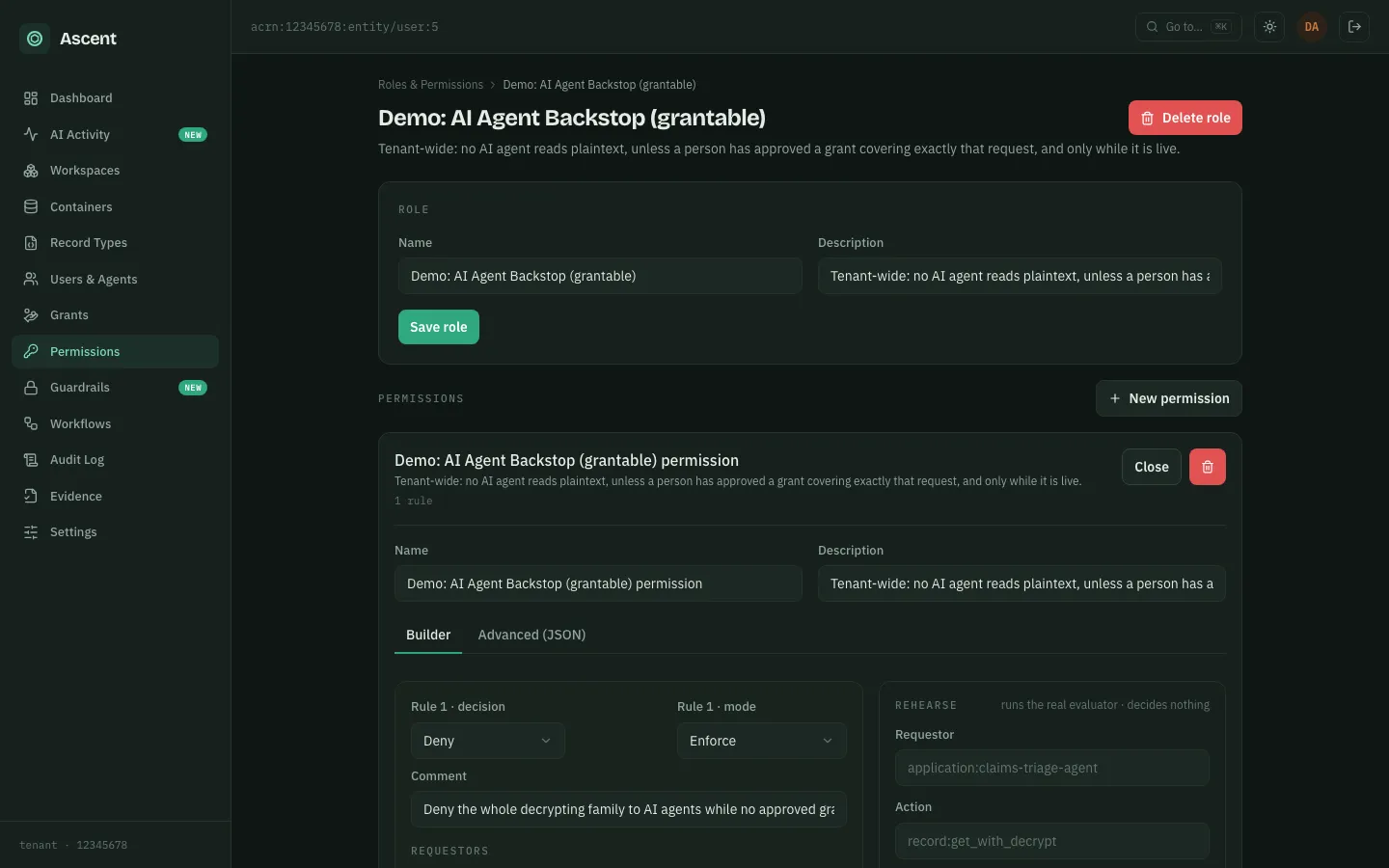
Ascent does not scope query shape. Policy scopes the actions an identity may take and the objects it may take them on, so an agent can be held to a view — searching a data repository through the anonymized action rather than the decrypting one — but it cannot be restricted to aggregates:
"actions": [
  "acrn:12345678:action/container:search_with_anonymize",
  "acrn:12345678:action/record:get_with_anonymize"
],
"on_objects": [
  "acrn:12345678:object/workspace:Commerce:container:orders:record:*"
]
The related control is AQL's oracle rule. Outside the decrypt view an encrypted field cannot be ordered on, pattern-matched or grouped on, because each of those reads the value — so the shapes that would turn a redacted view into a way of extracting real values are refused, even though the shape itself is not what policy scopes.
What to do
Combine the third and fourth. Restrict query shape where the task allows it, and apply a cumulative volume ceiling everywhere else as the backstop. Keep the read-only role as well, since it costs nothing and covers a different failure.
The thing to avoid is stopping at the read-only role and believing the problem is solved. It is the most common configuration and it permits exactly the outcome you were trying to prevent.
How Ascent does this: Stop a misbehaving AI agent mid-request.
